Hi r/madeinrust,
I'm the developer behind Bladr, a small image viewer for Windows written in Rust.
I built it because I missed the speed and simplicity of ACDSee's old View mode: point it at a folder, scroll the wheel to flip through photos, and press F for fullscreen. Most modern viewers feel either catalog-first, heavy, or full of ads. Bladr is deliberately just a viewer — no catalog, no editing, no account, no telemetry.
What it does:
- Mouse wheel moves to the next/previous image and wraps at the ends
- Fullscreen with F/F11, fit/100%, zoom and pan
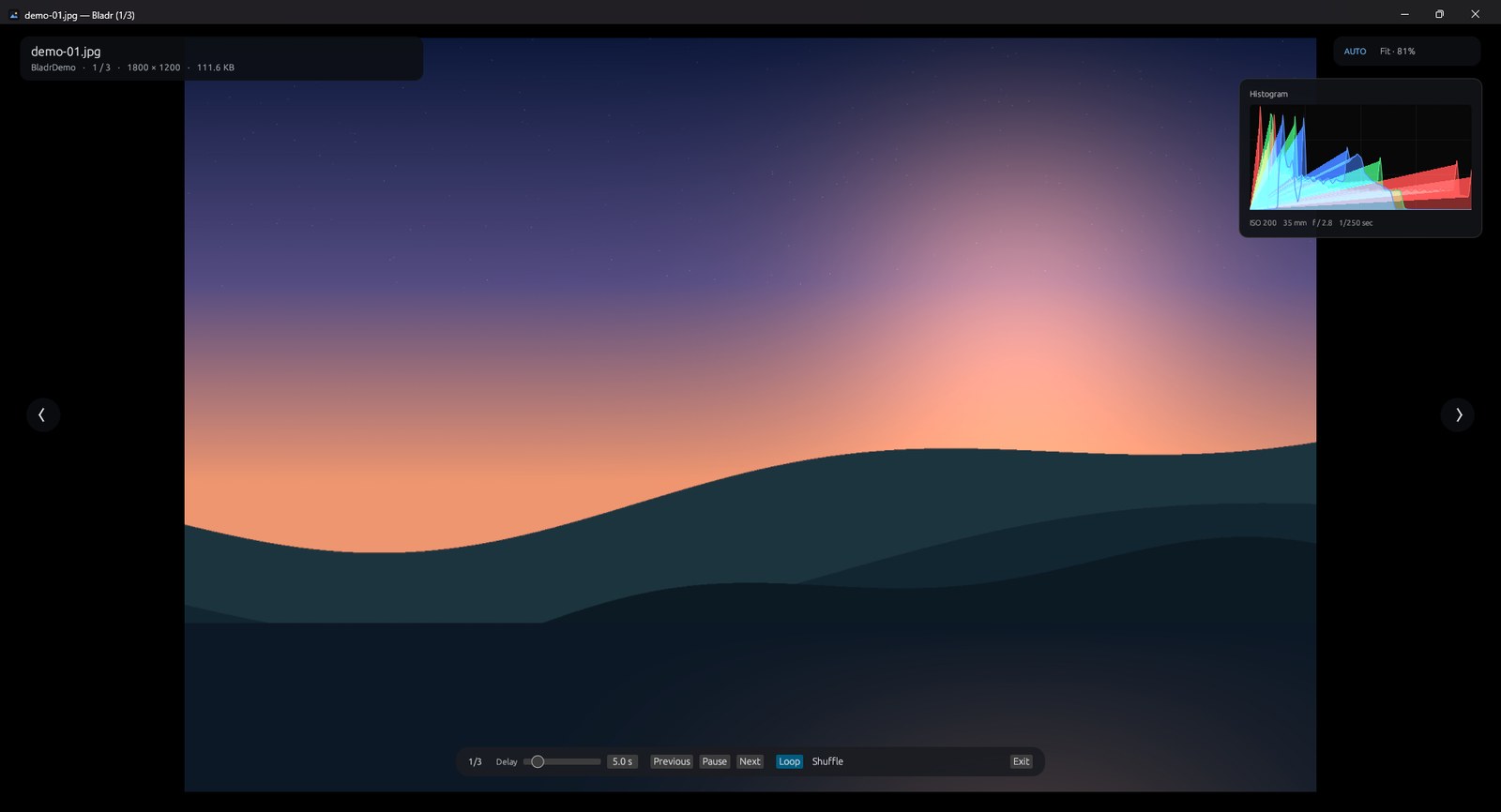
- Slideshow with adjustable delay, loop and shuffle
- RAW support through the camera's embedded JPEG preview: CR3, NEF, CR2, ARW, DNG, ORF, RW2, RAF and more
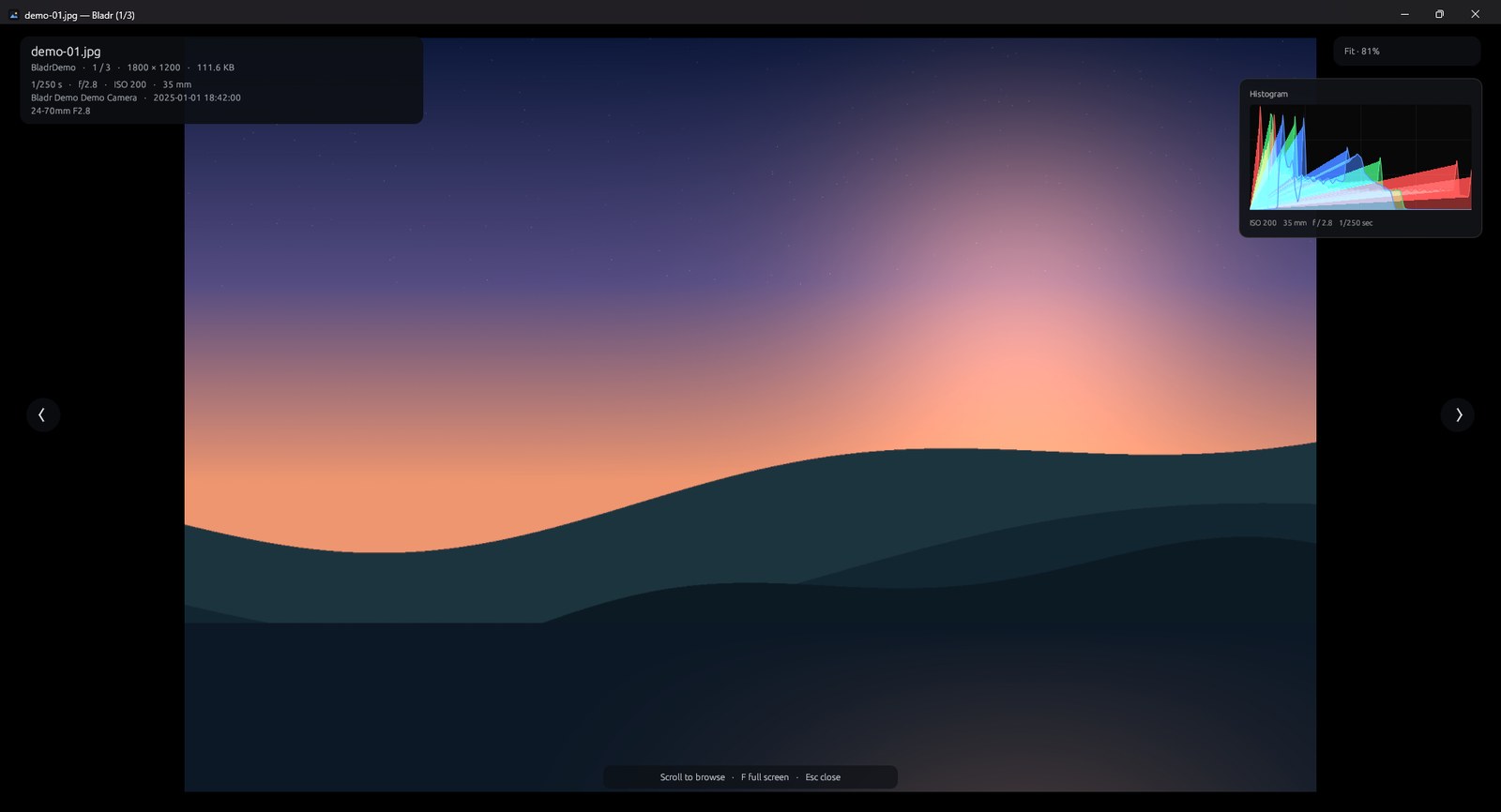
- EXIF overlay with camera, lens, ISO, shutter, aperture and focal length
- RGB histogram overlay
- Canon CR3 focus-point overlay
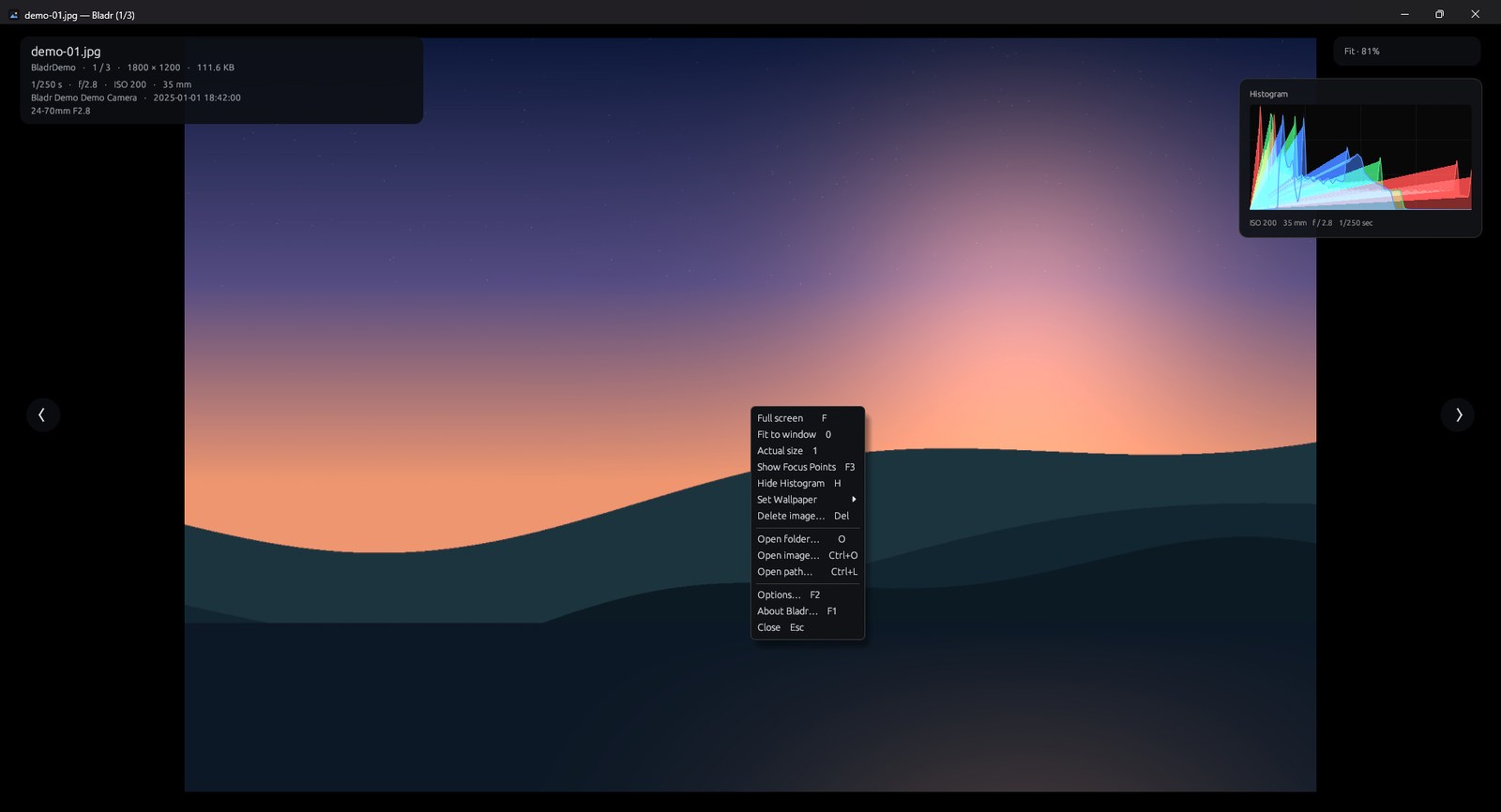
- Set wallpaper, delete to the Recycle Bin, and "Show file location" in Explorer
- Region screenshot: drag an area, then copy it to the clipboard or save it as PNG
- Single instance, drag & drop, NAS/UNC paths, auto-update
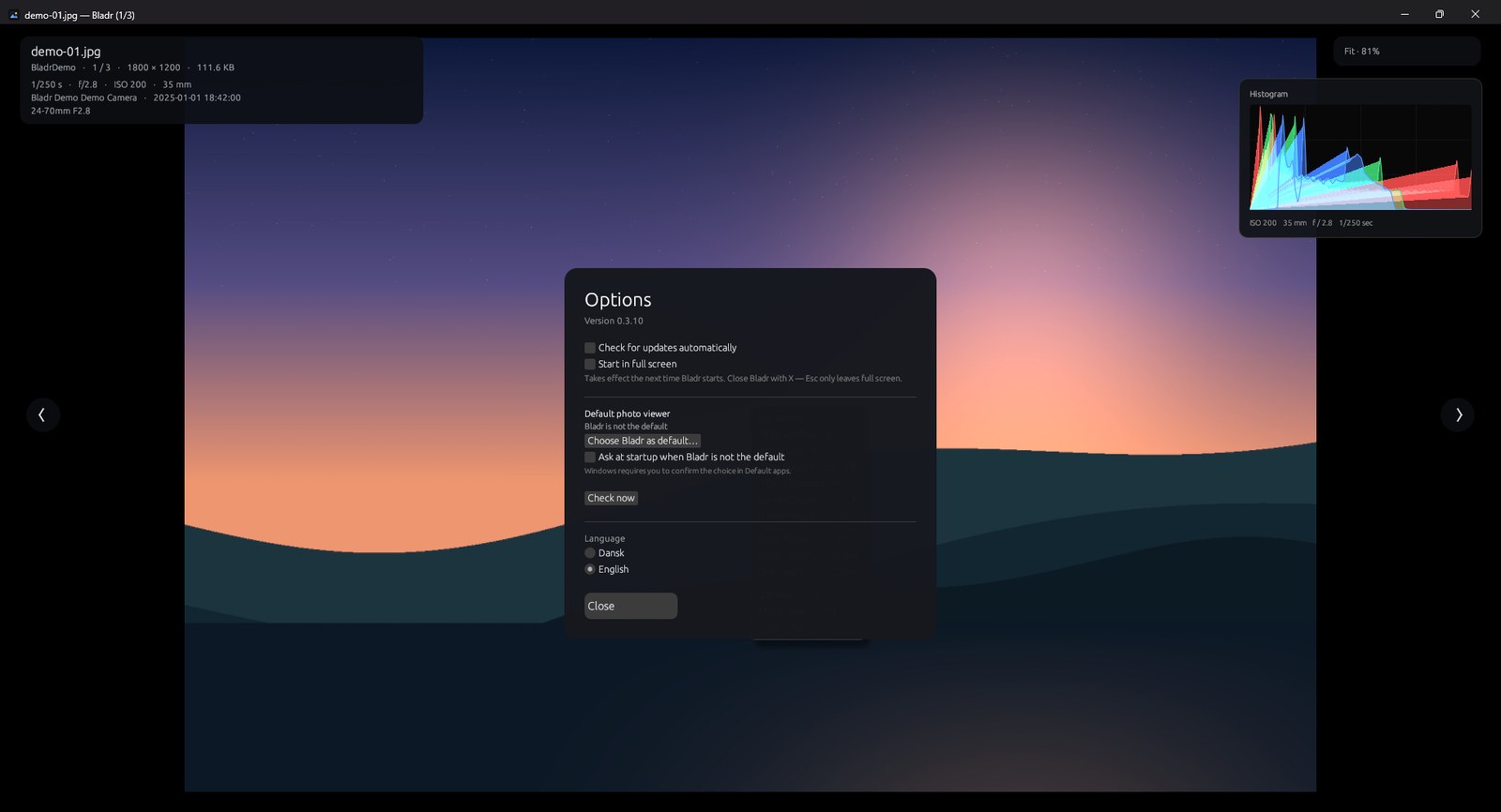
- English and Danish UI
- Starts maximised and remembers the last folder
A few Rust/implementation details:
- UI is eframe/egui with a custom canvas, HUD and overlays
- Background decoding and neighbour prefetching keep browsing responsive
- The previous image stays on screen until the next one is decoded
- Win32 integration for file associations, single-instance handling, Recycle Bin deletion and an elevated delete helper
- Portable single exe, MIT licensed
Screenshots:
Viewer with HUD, EXIF and histogram:
https://raw.githubusercontent.com/JonathanNet/bladr/main/docs/screenshots/viewer.jpg
Context menu:
https://raw.githubusercontent.com/JonathanNet/bladr/main/docs/screenshots/menu.jpg
Options:
https://raw.githubusercontent.com/JonathanNet/bladr/main/docs/screenshots/options.jpg
Slideshow controls:
https://raw.githubusercontent.com/JonathanNet/bladr/main/docs/screenshots/slideshow.jpg
Download and source:
https://github.com/JonathanNet/bladr
https://github.com/JonathanNet/bladr/releases/latest
There is an installer and a portable exe. It's Windows 10/11, per-user install, no admin required. The exe is not code-signed yet, so SmartScreen may show a warning the first time.
Current limitations, so nobody is surprised:
- Windows only
- RAW is the camera's JPEG preview, not a full demosaic
- No HEIC/HEIF or video yet
- No catalog, metadata editing or non-destructive editing
- Focus points are Canon CR3 only
- Animated GIF/WebP shows the first frame
I'd especially like feedback on startup/browsing speed, RAW formats, and whether the keyboard/mouse workflow feels right. Bug reports and format requests are welcome.
If it's useful, there's an optional Buy Me a Coffee link in the repo. No pressure.